
Workflow & Documents
Campus Certificate Issuance with QR Verification in Sri Lanka using Capricon Flow
A focused certificate-issuance workflow for Sri Lankan campuses and institutions—from approved results and serial numbers to QR verification, reissue, revocation, and registry controls.
Stuck approving certificates and documents over email?
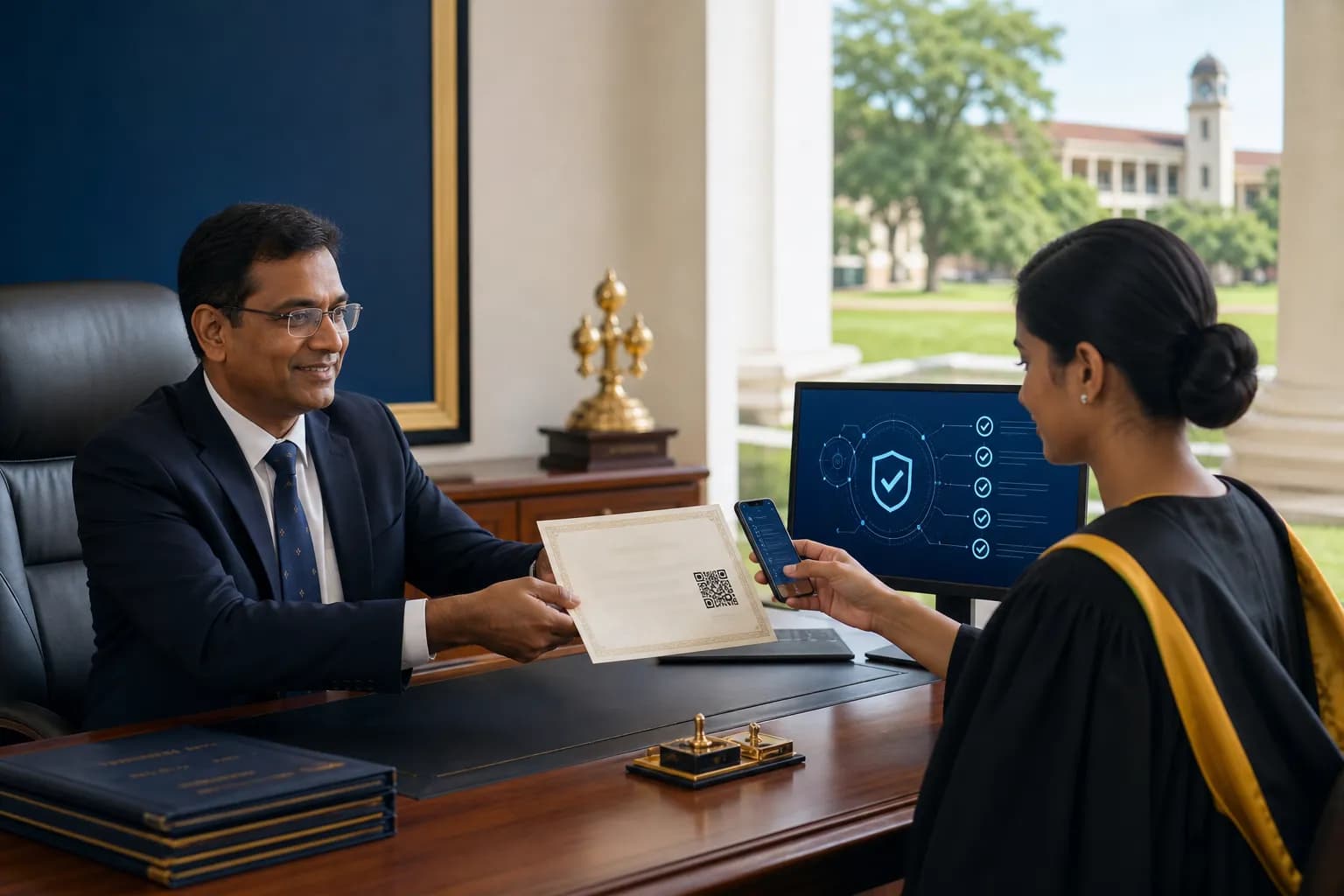
A Sri Lankan campus can issue trustworthy QR-verifiable certificates only when approved results, serial numbers, templates, signatures, and credential status share one controlled workflow. The QR is the final verification doorway; it is not the governance system.
This guide is narrower than the general digital certificate and QR verification article and separate from broad document approval workflows. It focuses on campus issuance. Explore Capricon Flow and the workflow and certificate software Sri Lanka hub.
The campus certificate issuance chain
- Import or confirm the approved learner, programme, award, grade or classification, and completion date.
- Run eligibility checks for results approval, required credits, fees or clearance according to institutional policy.
- Use maker-checker approval before generating a credential.
- Assign a unique serial number and locked template version.
- Generate the certificate and QR-linked verification record.
- Record issue and delivery state.
- Manage correction, reissue, suspension, or revocation without erasing history.
Minimum data and control checklist
- Stable student and programme identifiers.
- Approved result or award decision source.
- Unique credential serial and issue date.
- Template, signatory, and branding version.
- Named preparer and approver with timestamps.
- Verification status and reason-coded status changes.
- Reissue relationship to the original credential.
- Restricted public verification fields.
Make the QR resolve to an authoritative registry
A verifier should see a status served by the institution's controlled system—not a user-editable file or QR payload containing all student details. Use HTTPS, non-guessable or appropriately protected identifiers, limited disclosure, and monitoring for unusual verification traffic.
Design correction, reissue, and revocation before launch
Names can be corrected, certificates can be damaged, and awards can be rescinded under institutional processes. Define who can approve each action, what evidence is required, whether a new serial is created, what the old verification page shows, and how the audit trail is preserved.
Pilot checklist for one faculty or programme
- Reconcile a sample cohort against the approved results source.
- Test duplicate names, name changes, long programme titles, and multilingual text.
- Scan QR codes on common mobile devices and weak connections.
- Attempt unauthorised edits, duplicate serials, and template substitution.
- Test one correction, one reissue, and one revoked credential.
- Confirm help-desk ownership for employer or graduate verification questions.
Build a controlled credential registry
Start with the workflow and certificate software Sri Lanka hub and review Capricon Flow. A phased implementation can begin with one certificate type and one approval authority before institution-wide rollout. Contact Capricon to map the issuance and verification states.
Frequently asked questions
How does QR certificate verification work?
The certificate QR should open a controlled verification record or page where an authorised party can confirm limited details such as issuer, credential, issue date, status, and serial number.
Does a QR code alone prevent certificate fraud?
No. The QR must resolve to a protected authoritative registry with controlled issuance, status, and audit history. A static QR that only repeats printed text can be copied.
What should a campus certificate workflow include?
It should include approved candidate and result data, eligibility review, maker-checker approval, serial-number control, template versioning, issuance, delivery, verification status, reissue, and revocation.
How does Capricon Flow support certificate operations?
Capricon Flow is designed for approval and certificate workflows, including structured records, controlled templates, QR validation, and auditable status changes configured to the institution's process.
Should the public verification page show all student data?
No. It should disclose only what is necessary for verification. Institutions should define access, retention, correction, and disclosure rules with appropriate legal or compliance review.
Related Capricon solutions
Explore tools and services for workflow & documents
Related guides on this topic
- Digital Certificate Management Software Sri Lanka | Campuses & Flow
- Digital Certificate & QR Verification Software Sri Lanka | Flow
- Document Approval Workflow & E-Signature Sri Lanka | Capricon Flow
- Workflow & Certificate Management Software: Approvals, E-Sign, QR Proof
Related Capricon product & services
- Workflow & certificate software Sri Lanka
Primary Capricon Flow buyer guide for approvals and QR certificates.
- Capricon Flow vs DocuSign
QR certificate issuance vs e-sign envelopes for Sri Lankan campuses.
- Training evaluation software Sri Lanka
Capricon Elevate buyer guide for assessments and competency scoring.
- Capricon Flow
Approvals, e-signatures, and QR-validated certificates.
Ready to take your business to the next level?
Your next big move starts here - take charge, scale up, and lead your business to success.